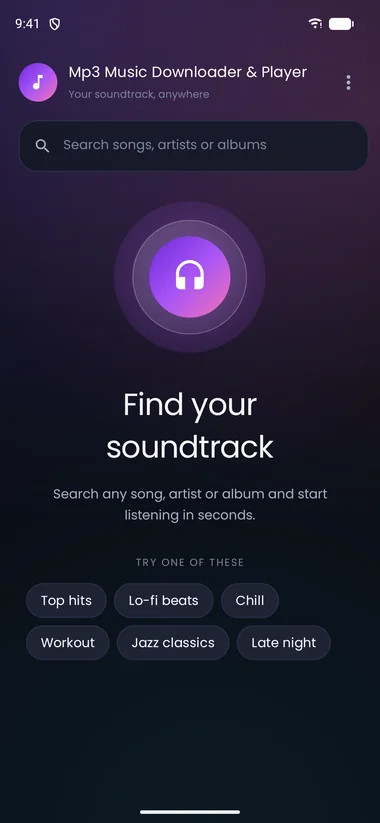
Search that gets it
Type a song, artist or album and get a clean result list, with a download action on every row.

Android app
Mp3 Music Downloader & Player Your soundtrack, anywhereSearch songs, artists and albums, save MP3s to your phone, and listen offline with a full-screen player, queue and background playback.
Contains ads · Ads are delivered through TopOn
Feature tour
Every screen is made for one job: getting you from “I want to hear this” to pressing play as quickly as possible.
Type a song, artist or album and get a clean result list, with a download action on every row.
Downloads are handed to Android's Download Manager and saved in your device's Music folder.
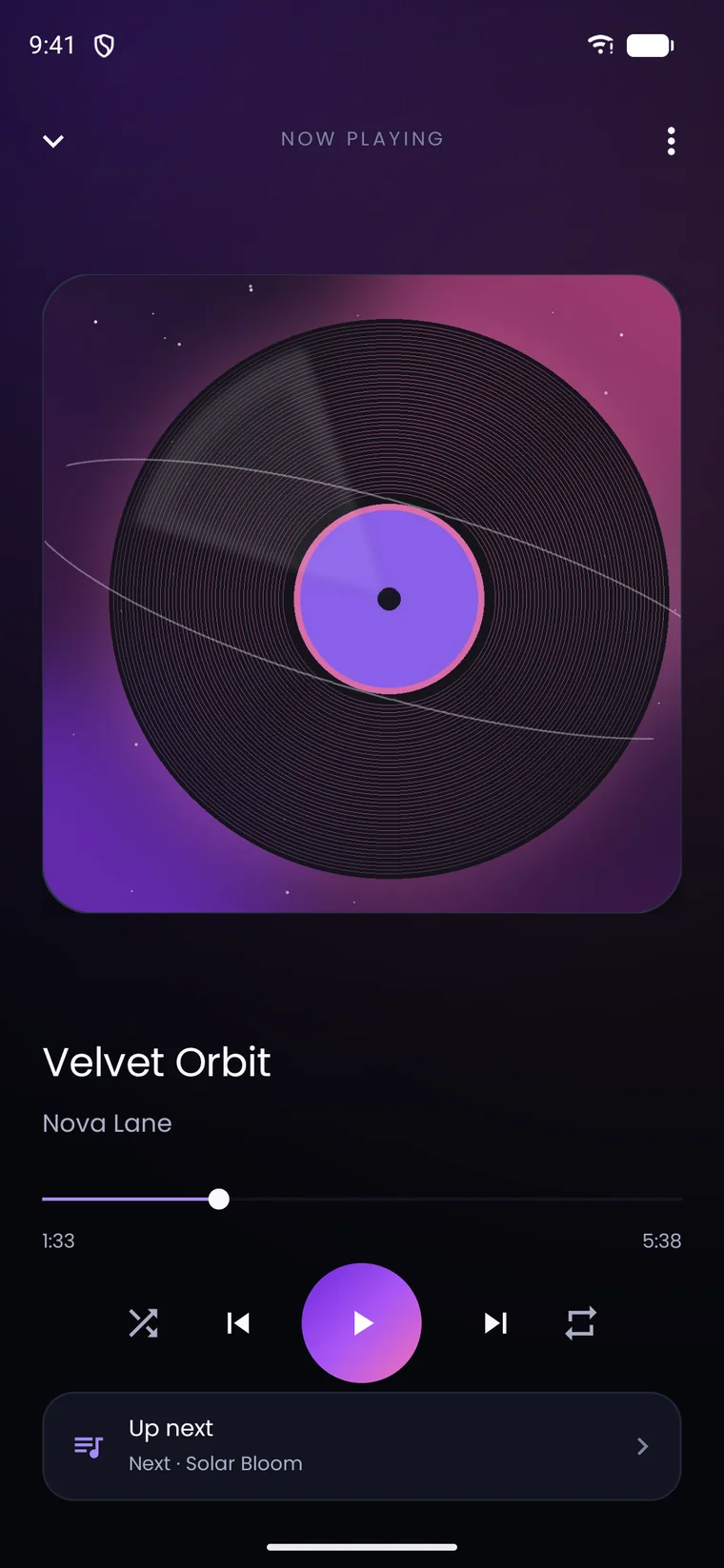
Artwork, seek bar, shuffle, repeat and a mini-player that stays with you while you browse.
Reorder the queue, remove tracks and keep an eye on what's coming without interrupting playback.
Switch apps or lock your phone — playback continues with notification controls.
No sign-up and no profile. Ads are served through TopOn; the privacy policy explains the details.
Screens
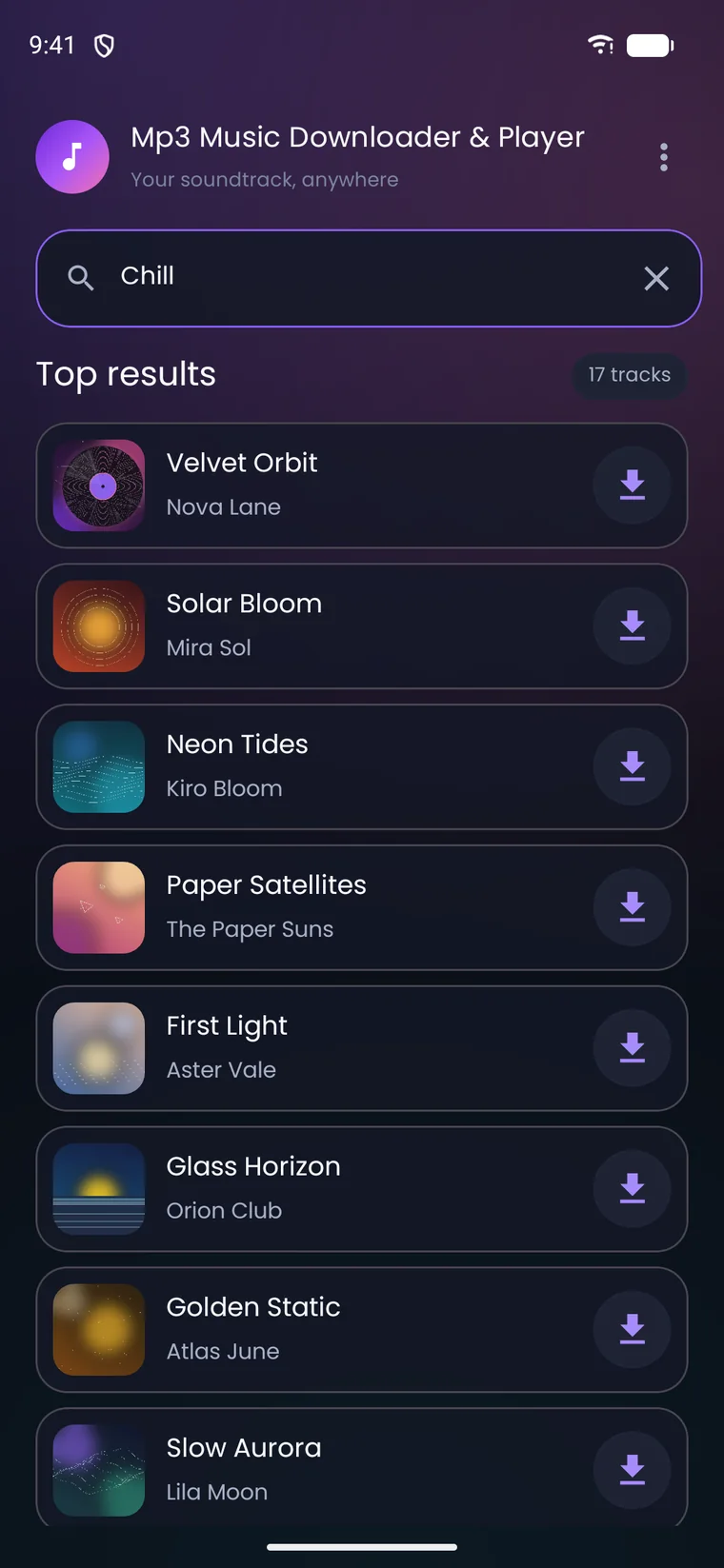
Find it, tap, and it's yours.
Artwork, scrubbing, shuffle and repeat.
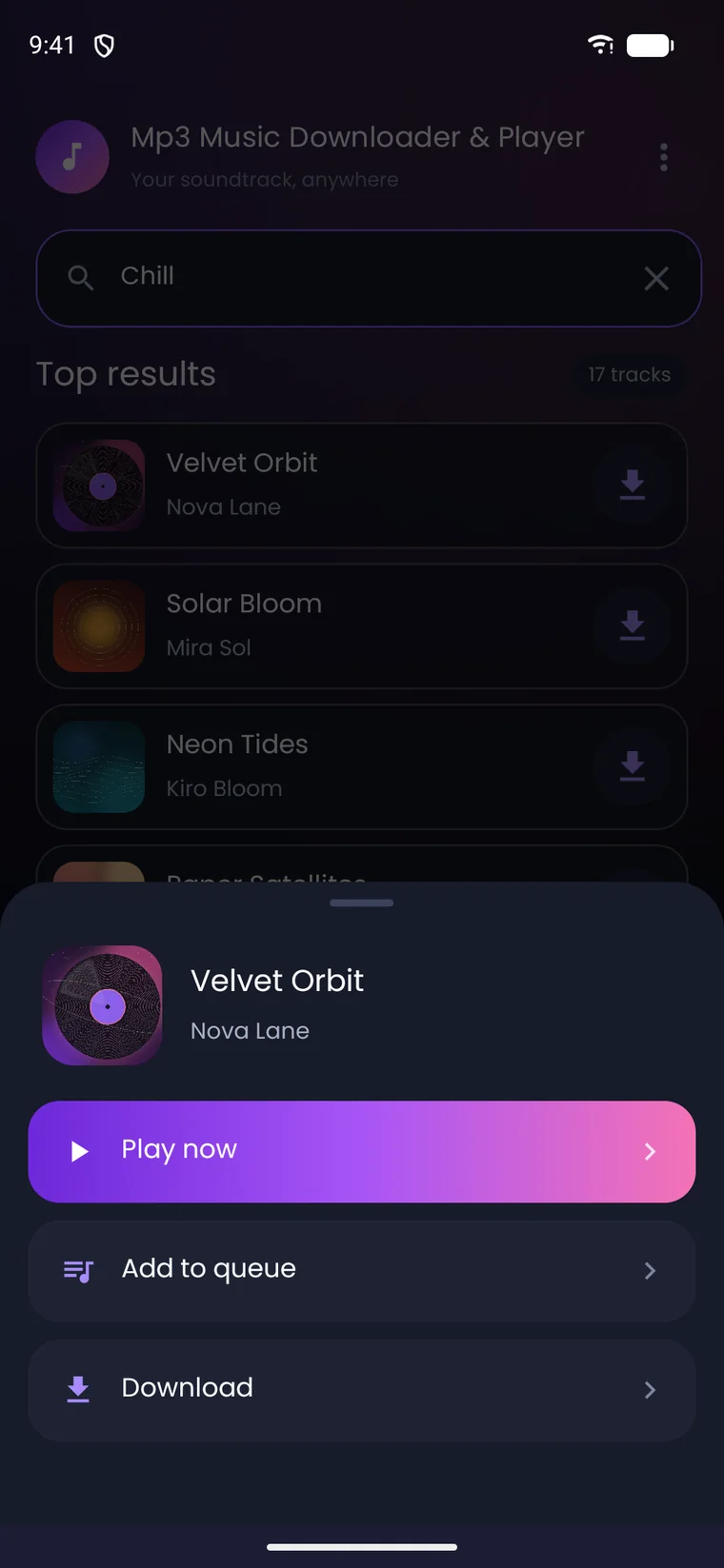
Play now, queue it, or download.
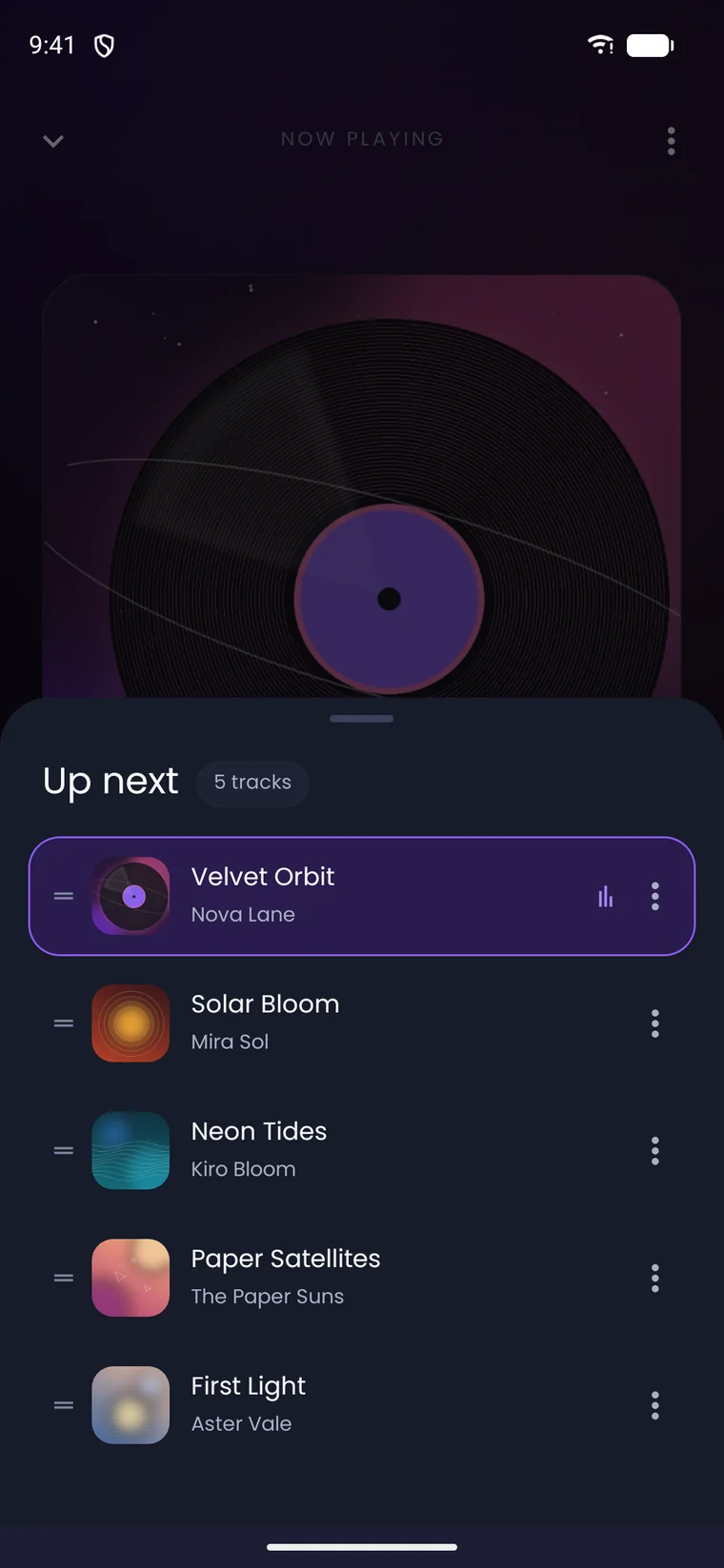
Reorder the queue without missing a beat.
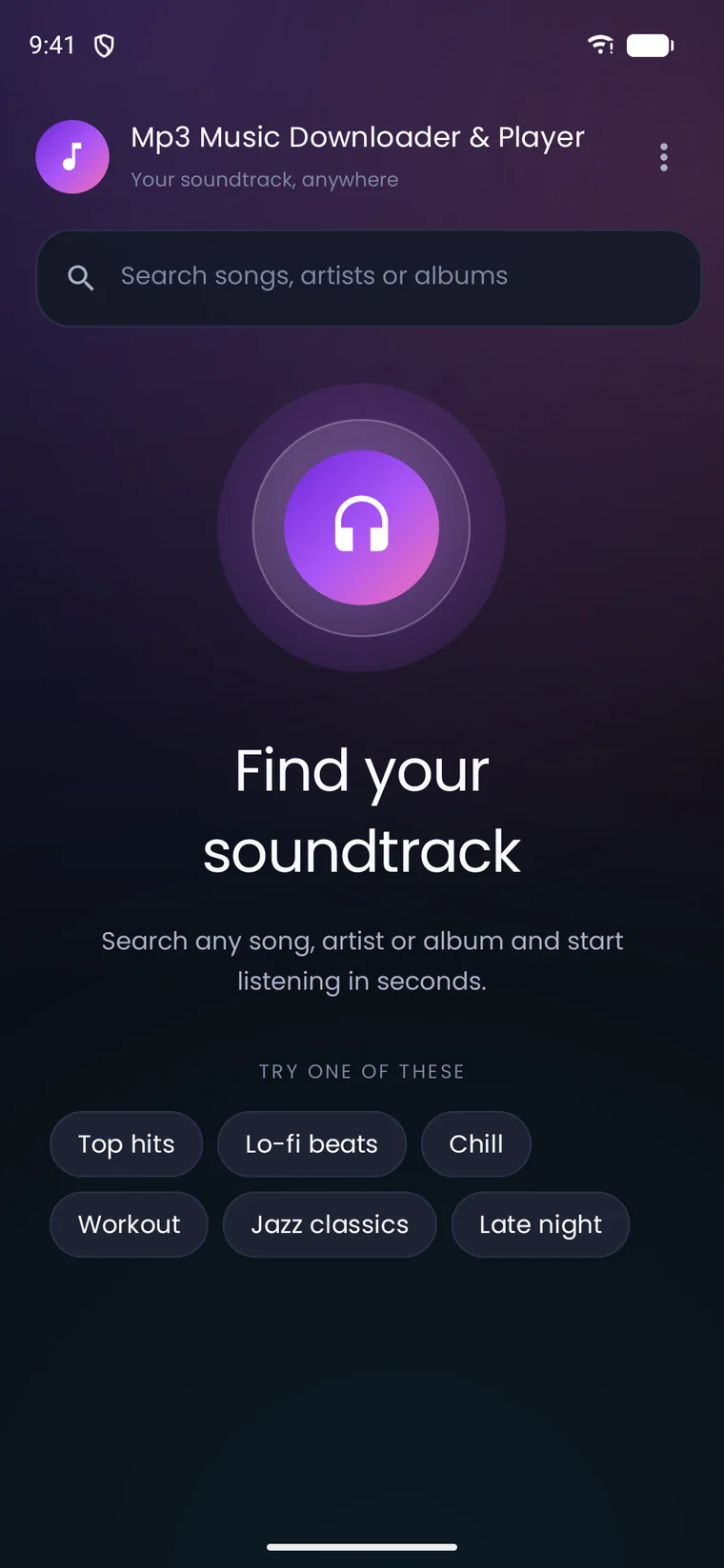
Start with a mood or search anything.
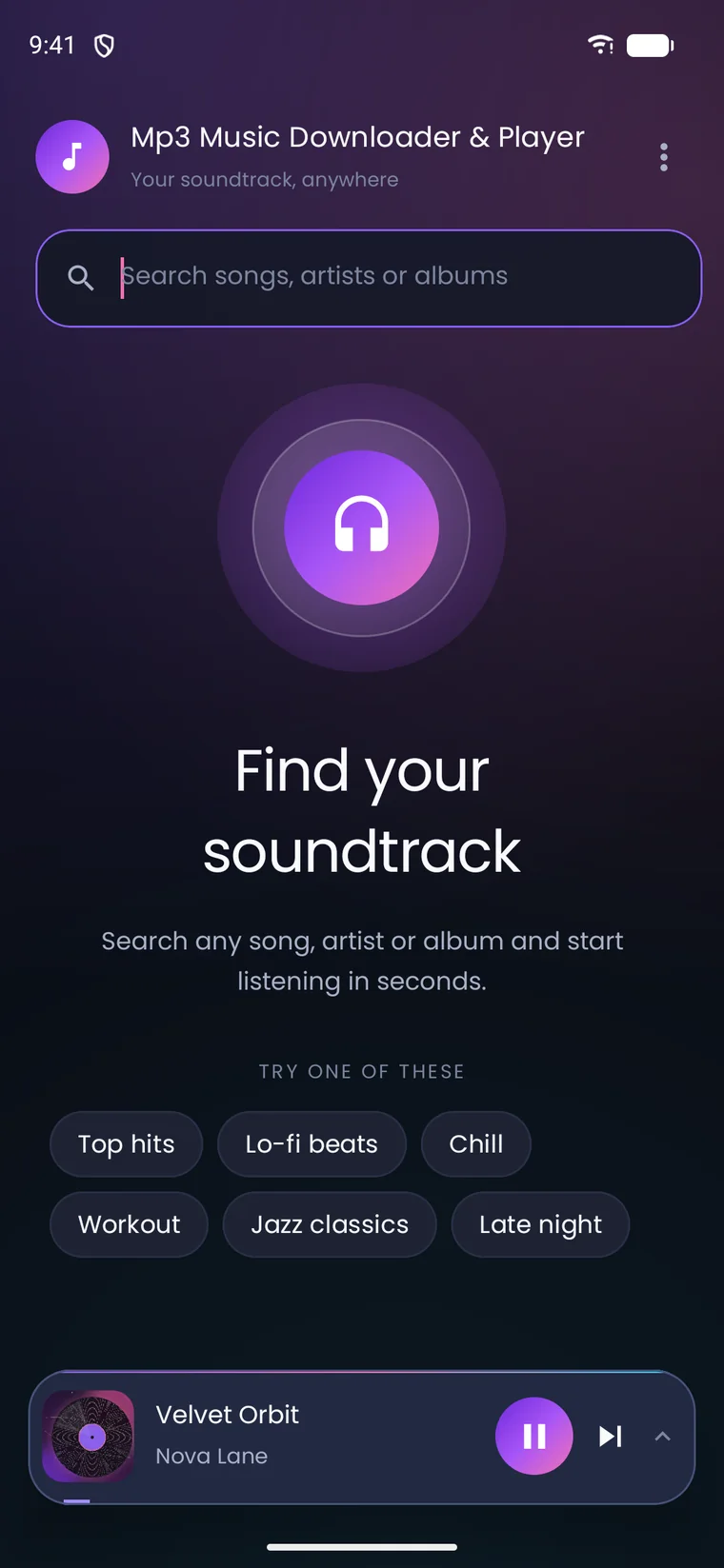
Leave the app. Keep the music.
Privacy & permissions
Mp3 Music Downloader & Player needs network access to search and stream, storage access to save MP3s, and notifications for playback controls. The app does not require an account. Advertising is delivered through TopOn and described in the privacy policy.
Read the privacy policyFAQ
Quick answers about downloads, offline listening and privacy. Still stuck? Email us.
Yes. The app is free to download and use, and is supported by ads.
No. There is no sign-up, login or profile. Open the app, search and start listening.
Yes. Tracks you download are saved on your device and can be played offline.
Downloads are saved to the Music folder on your device using Android's Download Manager. If that folder isn't available, the app falls back to Downloads.
Mp3 Music Downloader & Player supports Android 7.0 (API 24) and newer.
Open your device's Files or Downloads app, go to the Music folder and delete the MP3 files you no longer need.
The app does not require an account or profile. Third-party advertising and analytics providers may collect device, advertising and usage information as described in the privacy policy.
Ads keep the app free. They are mediated by TopOn, which works with multiple advertising networks. See the privacy policy for details and opt-out information.
Download Mp3 Music Downloader & Player free on Google Play. Android 7.0 and up.
Free · Android 7.0+ · Contains ads